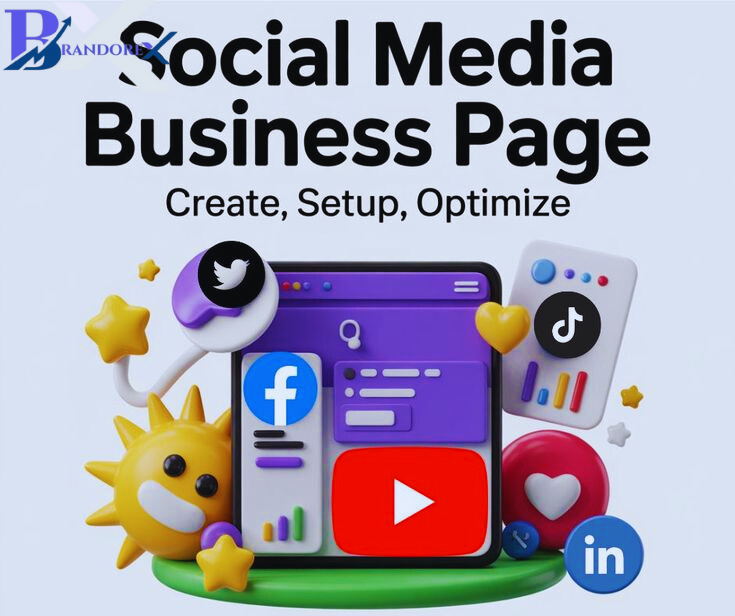
Your banner is often the first impression someone has of your brand—so make it count! Whether you’re promoting a product, event, or simply want your page to look amazing, here’s how you can create scroll-stopping visuals: Keep it Simple – Clean, focused designs are more effective. Avoid clutter! Use Brand Colors & Fonts – Consistency builds trust. High-Quality Images Only – Blurry equals unprofessional. Right Dimensions Matter – Facebook recommends 820 x 312 px for banners. Add a Clear Message or CTA – Tell viewers exactly what to do or expect. Balance Text and Visuals – Don’t overload either one. Pro Tip: Tools like Canva, Adobe Express, or Figma can speed up your workflow and provide beautiful templates. Ready to upgrade your banner game? Drop a line if you want a FREE banner checklist or template!
Reviews
There are no reviews yet.